+1 (415) 234 7510
 +971 52 901 6677
 +91 8780928142
 WhatsApp
 Email
Email


































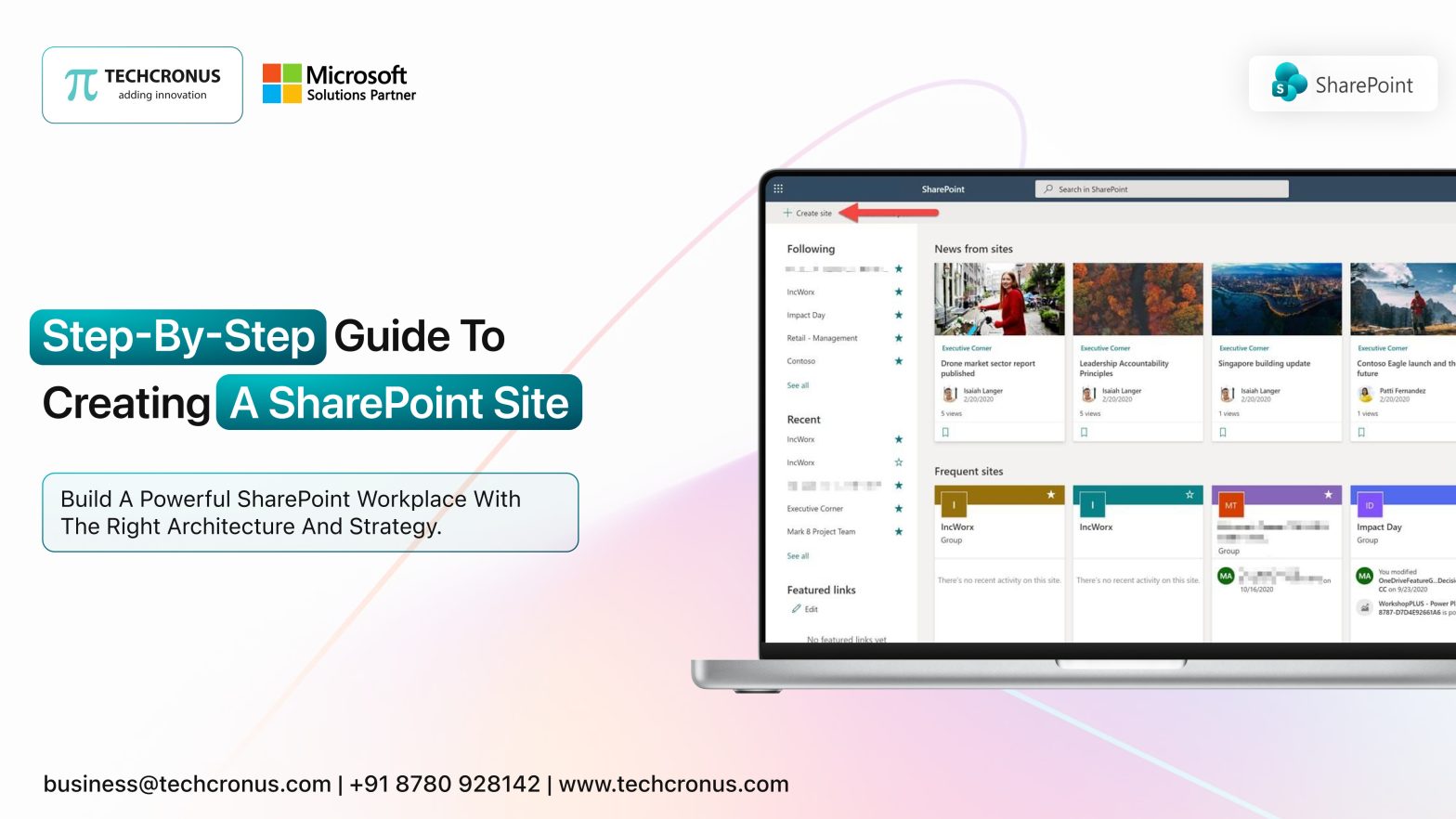
Table of Contents
If you are searching for how to create a SharePoint site, you are definitely looking to build a digital backbone for your organization. And as someone who leads digital transformation initiatives every single day at Techcronus, we will be helping you create a SharePoint site with ease. Creating one that drives measurable business results is not easy. So today, we will show you exactly how to create a SharePoint site. Also, more importantly, you will also learn how to turn it into a scalable, revenue-supporting digital workplace.
Step 1. Define the Business Objective Before You Build
Are you looking for the correct answer to How do I create a new team collaboration site using popular enterprise software? Before you even click “Create,” decide why you want to build a SharePoint site.
Is it for internal collaboration? Or are you creating a document management system?
Or using it as a complete SharePoint intranet portal?
Most businesses rush this step. That is why many portals fail within six months. When companies approach us to create a SharePoint site, the first thing we ask is: what measurable problem are you solving?
If your goal is enterprise productivity, employee engagement, and workflow automation, then you are building a solid infrastructure.
Step 2. Choose the Right Site Type
Inside Microsoft 365, you can create either:
- A Team Site (collaboration-focused)
- A Communication Site (broadcast-focused)
Both options allow you to create a SharePoint site. But how it will scale, that will be determined by the architecture you select. If your long-term vision includes a structured SharePoint intranet portal, start with a communication framework. After that, build outward with governed subsites and hubs.
This is where most companies underestimate planning. They know how to create a SharePoint site, but they do not plan taxonomy, navigation, permissions, or content hierarchy. That mistake costs time, money, and user adoption later.
Step 3. The Technical Setup
Here is the simplified technical process explaining how to create a SharePoint site:
- Log in to Microsoft 365 Admin Center.
- Navigate to SharePoint → Active Sites.
- Click “Create.”
- Choose site type.
- Add name, description, privacy settings, and owner permissions.
- Configure storage limits and security groups.
Technically, you now have a working site. But here is the reality 70% of organizations build a SharePoint site without architectural planning. All of them later require restructuring because of navigation chaos and governance gaps.
If you are serious about scale, treat setup as a foundation, not completion.
Step 4. Design for Engagement, Not Decoration
Now we enter the strategic phase of SharePoint customization. A default template will never drive adoption. Real engagement requires thoughtful SharePoint site customization aligned with your brand, workflows, and user roles.
This includes:
- Custom navigation architecture
- Department-specific dashboards
- Role-based access controls
- Interactive web parts
- Automated approval workflows
When we help enterprises customize SharePoint, we focus on productivity metrics, not visual gimmicks. Effective SharePoint customization ensures that employees spend less time searching and more time executing. At this stage, many companies attempt DIY tweaks. That approach rarely delivers strategic outcomes. Professional SharePoint site customization transforms your portal from storage space into an operational command center.
Step 5. Build Core Business Modules
To truly build a SharePoint site that performs, integrate the following modules:
- Centralized document libraries with version control
- Automated approval workflows
- Department dashboards
- HR onboarding portals
- Project tracking boards
- Knowledge bases
If your objective is a powerful SharePoint intranet portal, these modules are non-negotiable. This is where advanced SharePoint customization matters most. Off-the-shelf configurations cannot support:
- complex workflows
- cross-department permissions
- executive reporting dashboards
Organizations that invest in structured intranet ecosystems have consistently reported measurable productivity improvements. This is because all the information is centralized and searchable. When companies approach us to create a SharePoint site, they often realize their initial structure cannot scale. That is why ‘architecture-first’ thinking is critical.
Step 6. Governance and Security
If you truly want to build a SharePoint site that supports enterprise growth, governance is mandatory.
Governance includes:
- Defined user roles
- Document retention policies
- Structured metadata
- Permission audits
- Compliance alignment
Without governance, even the most well-designed SharePoint intranet portal becomes cluttered within months. Strong governance has to be paired with strategic SharePoint site customization; this ensures long-term usability and compliance readiness. When we customize SharePoint for enterprise clients, governance frameworks are embedded from day one. No decisions based on afterthoughts, please. Techcronus expertise means staying ahead of time.
Step 7. Automation and Integration
Here is where SharePoint becomes transformational. Through integration with Power Automate, Microsoft Teams, and business systems, you can eliminate repetitive manual processes.
This is where expert SharePoint customization creates compounding ROI.
- Automated leave approvals.
- Procurement workflows.
- IT ticket routing.
- Executive reporting dashboards.
This level of integration turns your platform into a high-performing SharePoint intranet portal that supports daily operations. If you are only following a tutorial on how to create a SharePoint site, you will never reach this level. Execution requires expertise, the way we have, thanks to our global tech-giant partners.
Step 8. Drive Adoption and Measure Performance
Adoption is the ultimate success metric. When organizations simply create a SharePoint site without an engagement strategy, usage declines quickly. Successful deployments include:
- Structured onboarding sessions
- Training documentation
- Usage analytics
- Continuous optimization
When enterprises invest in professional SharePoint site customization, they see stronger adoption because the system aligns with real workflows. And when you strategically customize SharePoint, you eliminate friction, which increases engagement.
Small productivity details also matter in a digital workplace. For example, teams that rely on precise cursor movement can quickly use a mouse dpi tester online to check their mouse sensitivity and keep their daily workflow smooth.
Why Basic Setup Is Never Enough
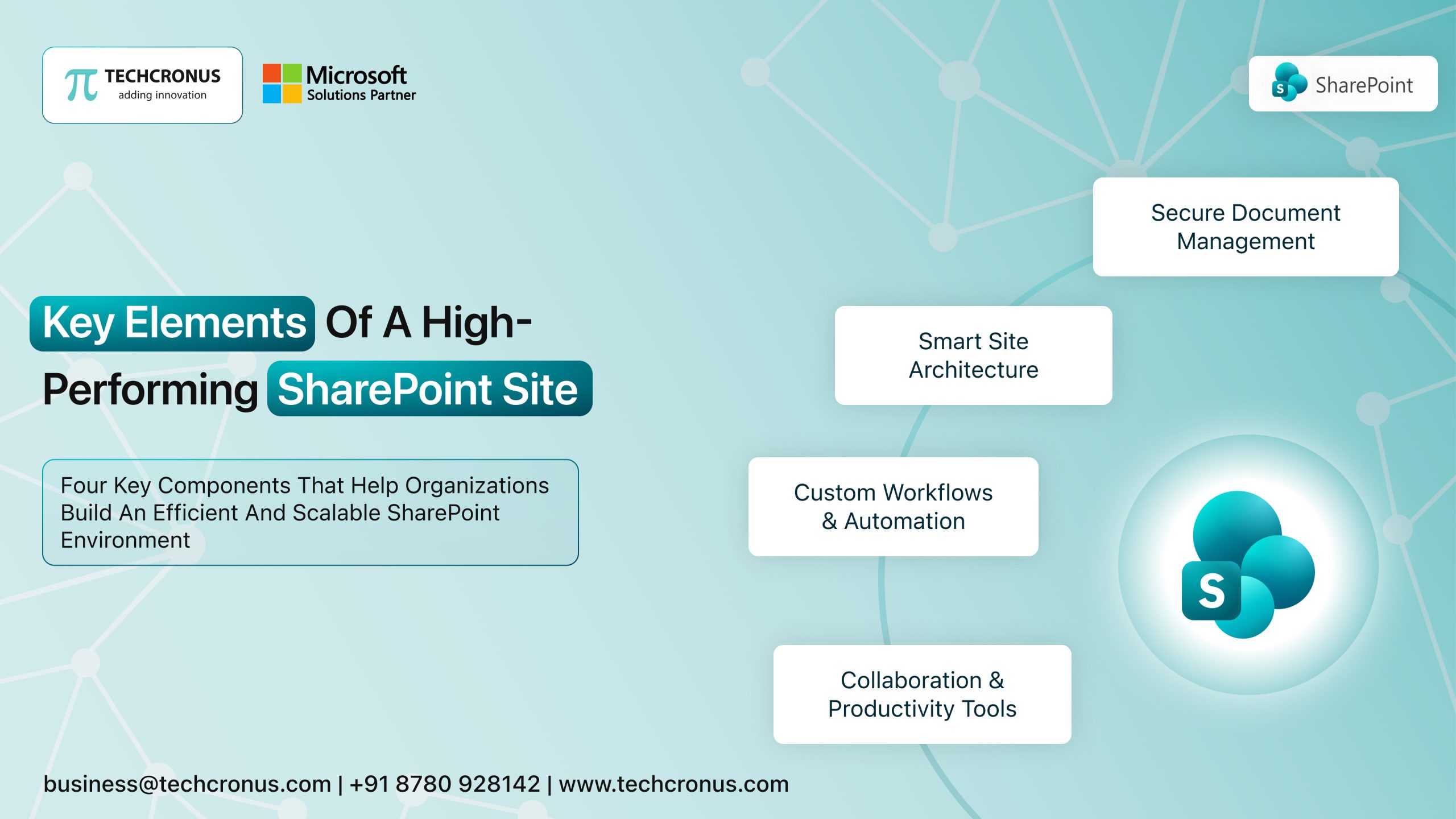
Anyone can search for how to create a SharePoint site and follow a checklist. But what if your goal is operational efficiency, workflow automation, governance compliance, and cross-functional collaboration? Then you surely need more than setup instructions alongwith precise SharePoint development services. You need:
- Architectural planning.
- Strategic SharePoint customization.
- Scalable SharePoint site customization.
- Structured SharePoint intranet portal that grows with your business.
The Strategic Decision to Partner with Techcronus and Why
At Techcronus – the best SharePoint Development Company, we create a SharePoint site by engineering digital ecosystems. We help enterprises:
- Strategically build a SharePoint site aligned with long-term growth
- Architect scalable SharePoint intranet portal environments
- Deliver enterprise-grade SharePoint customization
- Implement advanced SharePoint site customization frameworks
- Secure, govern, and continuously optimize deployments
If you are researching how to create a SharePoint site, that is your first step. If you are ready to transform productivity, reduce operational friction, and deploy a future-ready digital workplace … that is where we step in.
Conclusion
Do not settle for a basic configuration. Let us help you create a SharePoint site that drives measurable business performance. Partner with Techcronus and move beyond tutorials. The difference between setup and strategy is execution via custom SharePoint development services. Let’s execute together. Connect with us for a free consultation call.
FAQs
Where can I find templates for building a corporate intranet site?
Microsoft SharePoint Online offers enterprise-ready templates; Techcronus customizes them into scalable, branded corporate intranet portals aligned with business goals.
Which service offers the best tools for creating a secure employee portal?
Microsoft SharePoint with Azure security provides enterprise-grade protection; Techcronus implements governance, permissions, and compliance frameworks for secure employee portals.
What software allows easy creation of a company-wide knowledge base site?
SharePoint Online enables structured knowledge bases. On the other hand, Techcronus enhances architecture, search optimization, and metadata strategy for powerful company-wide knowledge platforms.
Let’s execute together. Connect with us for a free consultation call.