+1 (415) 234 7510
 +971 52 901 6677
 +91 8780928142
 WhatsApp
 Email
Email
































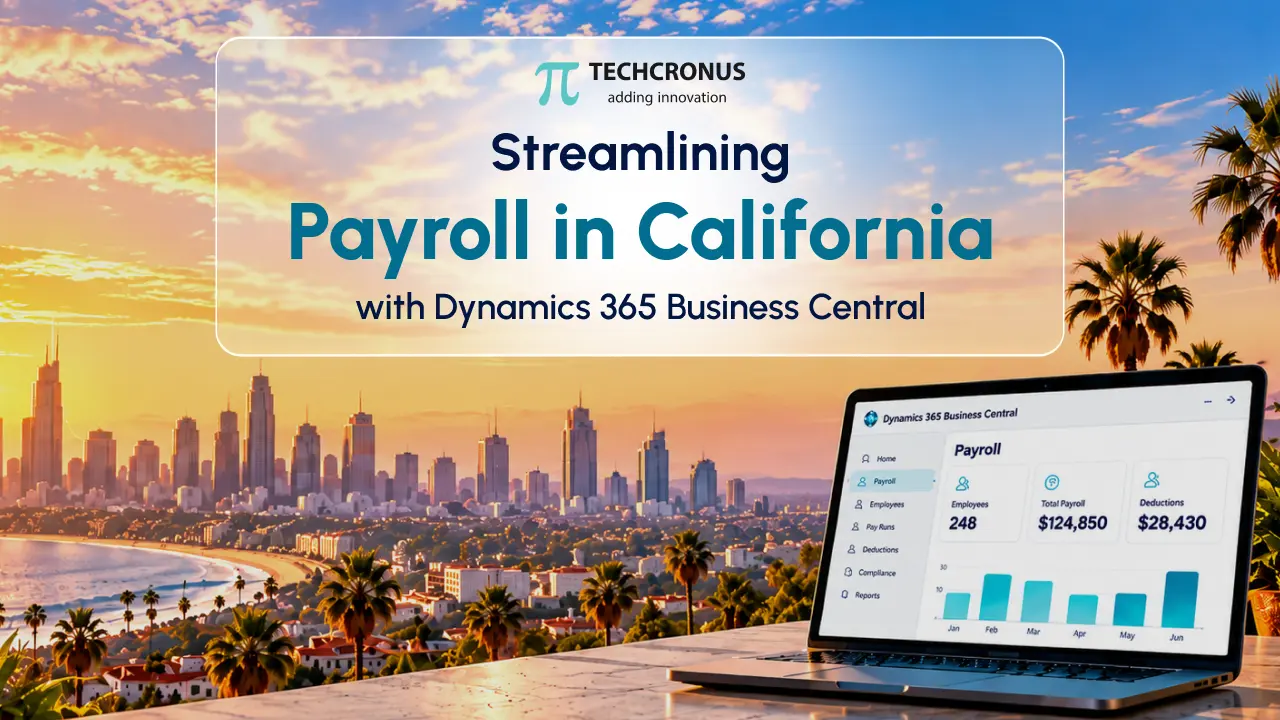
Table of Contents
I have spent over a decade helping California companies untangle their finance operations. There is one pattern I keep seeing: businesses invest heavily in a strong ERP, then bolt on a payroll process that fights the system instead of living inside it.
I am writing this piece myself, not because it’s a “content topic” on our calendar. But because I have sat across the table from too many CFOs in Los Angeles and San Diego who were burning hours reconciling numbers that should have matched automatically.
Let me walk you through what I have learned building Business Central payroll implementation California projects for manufacturers, distributors, and professional services firms across the state. I will also share where the real payroll pain points actually live.
The California Payroll Problem Nobody Talks About Enough
Do you know California needs over 500,000 new hires through 2027? No wonder California isn’t an easy state to run payroll in.
Between mandatory sick leave accrual rules, meal-and-rest-break premium pay, and local minimum wage ordinances that differ by city – Los Angeles, San Francisco, and Emeryville all set their own rates. The state’s aggressive wage-and-hour enforcement climate, a generic payroll tool built for a national audience, often misses the nuance.
I have watched a mid-sized distribution client in Ontario, CA get flagged during an EDD audit simply because their disconnected payroll system wasn’t capturing overtime calculations the way California law requires.
That’s why California payroll compliance Dynamics 365 conversations come up in almost every discovery call I run. When payroll sits inside your ERP rather than as a bolted-on spreadsheet or third-party export, your finance and HR teams work off the same live data.
Dynamics 365 Business Central implementation means no lag, no manual re-entry, no year-end scramble to reconcile GL postings against a payroll vendor’s report.
Why I Recommend a Business Central-Native Approach
As a trusted Dynamics 365 Business Central consultant, we have had Los Angeles businesses queue with us since our early years. My team and I have implemented this platform across manufacturing floors, retail chains, and healthcare back offices. What consistently separates a smooth rollout from a painful one is whether payroll is treated as a first-class citizen of the ERP or as an afterthought integration.
Here’s a real example, lightly anonymized due to an NDA signed:
A Central Valley agricultural distributor came to us running payroll through a separate cloud tool that “synced” with their finance system overnight.
The problem? Seasonal labor spikes during harvest meant hundreds of temporary workers cycling in and out weekly and the nightly sync routinely dropped records or double-counted hours.
We rebuilt their payroll workflow to run natively within Business Central.
The result: reconciliation time dropped from three days a month to under four hours, and their controller stopped dreading month-end close.
What “California Payroll Setup Done Right” Actually Looks Like
When I scope a Business Central payroll setup for a small business California engagement, I walk clients through five things before we touch a single configuration screen:
- Employee classification accuracy: California’s exempt/non-exempt rules are unforgiving and misclassification is one of the top drivers of wage claims.
- Multi-location wage rate mapping: If you operate in more than one California city, your system needs to handle differing local minimum wages without manual overrides.
- Overtime and double-time logic: California’s daily overtime threshold (anything over 8 hours in a day) trips up systems designed around a purely weekly overtime model.
- Real-time GL posting: Payroll expenses should hit your general ledger the moment payroll runs, not days later.
- Employee self-service access: Reducing HR’s inbox load by letting staff view pay stubs and PTO balances directly.
This is where working with a genuine Business Central implementation partner Los Angeles CA teams can call on a phone matters.
Software alone doesn’t solve compliance headaches; the configuration and the judgment behind it do. You can read my blog here on what Dynamics 365 Business Central integration actually looks like.
The ROI Conversation Every Owner Actually Wants
Did you know – 1,000-employee firms lose $922,131 yearly fixing payroll errors?
Thus, I will be direct, because owners deserve directness: nobody calls us because they love ERP software. They call because they’re losing time, money or sleep.
When we run a Dynamics 365 Business Central pricing California conversation with a prospective client, we frame it around total cost of ownership, not just license fees. A disconnected payroll process costs you in three invisible ways
- Rework hours
- Compliance risk
- Decision-making delay
All because your financial data is stale by the time anyone looks at it.
I have seen a healthcare services client in Sacramento recover nearly 20 hours of administrative labor per month after we consolidated their payroll into Business Central.
At a loaded admin cost of roughly $45/hour, that’s close to $10,800 a year in reclaimed capacity. That too before you even count the reduced audit risk.
California Payroll – Migrating From Legacy Systems Without the Chaos
A large share of our pipeline comes from businesses outgrowing QuickBooks or a patchwork of spreadsheets. If you’re weighing a QuickBooks to Business Central migration California project, my genuine advice is this: don’t treat it as a lift-and-shift.
Use the migration as an opportunity to redesign your payroll and reporting structure around how your business actually operates today, not how it operated five years ago when the old system was set up.
We recently guided a Bay Area professional services firm through exactly this. They had outgrown QuickBooks’ reporting limits and were manually exporting payroll data into three different spreadsheets for leadership reporting. Post-migration, that entire process became a single dashboard view, refreshed automatically.
Dynamics 365 Business Central Support Doesn’t End at Go-Live
One thing I insist on with every client: implementation is the beginning, not the finish line. Our Dynamics 365 support plans California clients rely on exist because:
- Tax tables change
- Business rules evolve
- New hires need onboarding into systems they’ve never touched.
I have found that businesses who skip ongoing support tend to drift back into manual workarounds within a year. And that’s where you would be quietly eroding the ROI of your original investment.
Built for California’s Toughest Industries
Are you a Business Central for manufacturing California operations juggling multi-shift labor costs? Or a growing retailer trying to keep pace with seasonal hiring?
The underlying principle is the same: Payroll and finance need to speak the same language, in the same system, in real time.
Let us serve you with the best Microsoft Dynamics 365 Consultants in California.
A Direct Invitation
If you’re searching for a Business Central ERP consultant near me in California to fix a payroll process that’s costing you hours and sleep, I’d genuinely like to hear about your situation. Every business I have described above started with a 30-minute conversation, not a sales pitch. We’ll look into your genuine Dynamics 365 Business Central Price also. And whether Business Central fits your operation and if it doesn’t, I’ll tell you that too.
Reach out to our team for a free consultation. Let’s talk about what a payroll process built for California — not adapted to it — could look like for your business.
FAQs
How much does Business Central payroll implementation cost in California?
Pricing varies by company size and complexity. Most Business Central payroll implementation California projects range from a few thousand to low six figures, depending on employee count and integrations needed.
Is Business Central payroll compliant with California labor law?
Yes, when configured correctly. California payroll compliance: Dynamics 365 setups handle daily overtime, local minimum wages and sick leave accrual. We have the best Dynamics 365 Business Central development services in the USA and proper configuration by an experienced team, which is the core essential.
Can I migrate from QuickBooks to Business Central without losing payroll history?
A well-planned QuickBooks to Business Central migration California project preserves historical payroll, GL, and employee data through careful mapping and validation before go-live.
Do small businesses in California really need Business Central payroll?
Yes, especially multi-location ones. A Business Central payroll setup for small businesses in California eliminates manual reconciliation and reduces compliance risk even for teams under 50 employees.
How do I find a reliable Business Central consultant in Los Angeles?
Look for certified Microsoft partners with local case studies. A Dynamics 365 Business Central consultant Los Angeles businesses trust should offer references and transparent pricing.
What ongoing support is included after Business Central go-live?
Most Dynamics 365 support plans California clients use cover tax table updates, troubleshooting, and system optimization, ensuring payroll accuracy continues well beyond initial implementation.