+1 (415) 234 7510
 +971 52 901 6677
 +91 8780928142
 WhatsApp
 Email
Email


































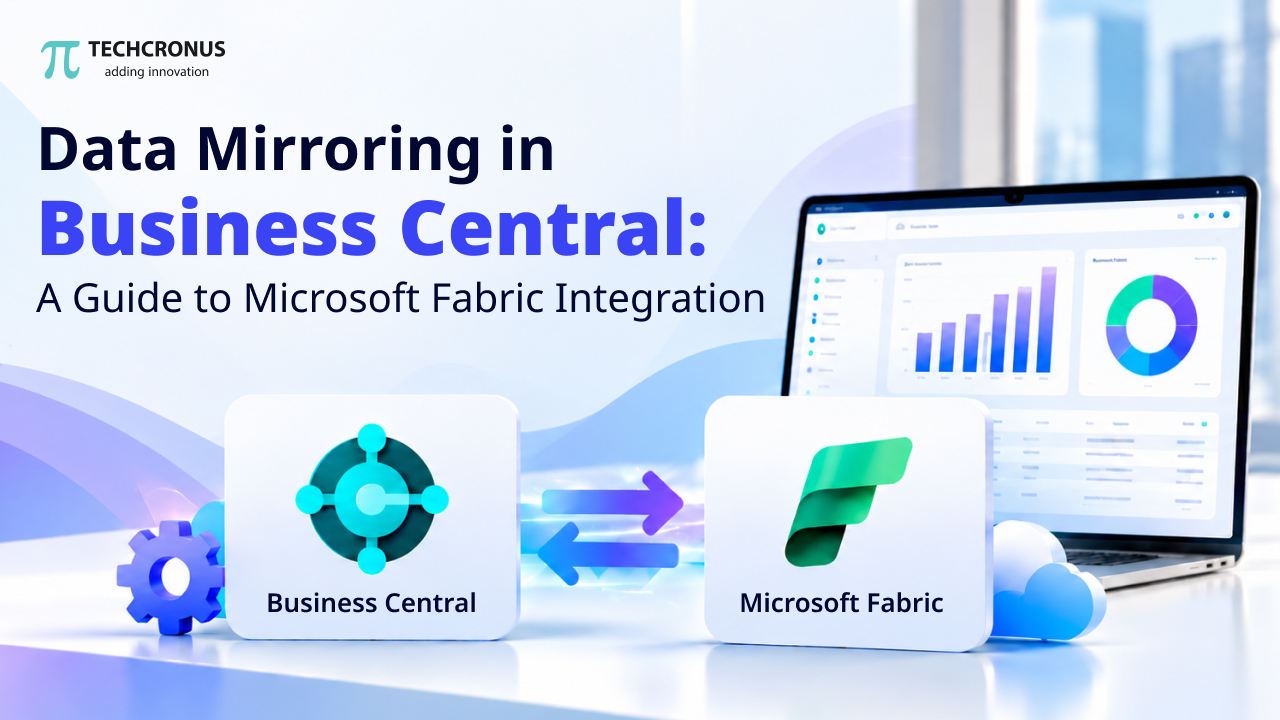
Table of Contents
Microsoft Dynamics 365 Business Central provides enterprises with a wealth of information, including financial, sales, procurement, inventory, and more. But what can be difficult is the ability to transform that data into valuable insights when it involves having to merge data across various companies or generate sophisticated reports or analyze huge volumes of historic data.
By using data mirroring to Microsoft Fabric from Business Central, businesses can make their data available in a centralized analytics environment. Organisations can use tools like Power BI, Fabric Data Factory, and other analytics features to gain insights into business performance and take data-driven decisions by replicating selected Business Central data into Microsoft Fabric.
Businesses can leverage data synced to Microsoft OneLake instead of needing to repeatedly extract data via Business Central APIs for analytics. This allows for a scalable basis to build reporting, data engineering, and business intelligence.
What Is Data Mirroring in Microsoft Dynamics 365 Business Central?
Data mirroring is an integration feature that enables ‘mirroring’ of data in Business Central online and an open mirrored database in Microsoft Fabric. Administrators select the Business Central companies and tables they wish to sync and the system will replicate an initial snapshot and any changes to Microsoft OneLake.
In Fabric, the replicated data is stored in Delta Parquet format, which can be consumed by supported analytics and data engineering experiences.
This integration enables organizations to seamlessly connect operational ERP data to their wider analytics landscape without having to download the same data over and over from Business Central APIs.
A company might, for instance, upload its general ledger data, sales orders, purchase orders and inventory items into Fabric. This data can then be used by analysts to develop financial dashboards, analyse sales trends, track stock levels and cross-company performance.
The feature can be used to support multiple Business Central companies, initial and incremental synchronization, and synchronization monitoring, says Microsoft Learn.
How Does Business Central Data Mirroring Work?
Data mirroring copies the data from Business Central to Microsoft Fabric and updates it automatically over time, based on the schedule defined.
The steps of the process are:
In this section, you will create a Mirrored Database in Microsoft Fabric. In this section, you will create a Mirrored Database in Microsoft Fabric.
It starts in Microsoft Fabric. An administrator provisions a mirrored database and creates a workspace with the Open Mirroring option. This database is the target for the data from the selected Business Central.
Follow the instructions to connect Business Central to Fabric.
Then the admin sets up the connection in the assisted setup experience of Business Central. The connection provides the necessary app credentials and app service principal permissions to access the Fabric workspace.
Click on Companies and Tables. Click on select companies and tables.
Administrators can determine which Business Central companies and tables are included in the synchronization process. This enables organizations to manage the data that is replicated into Fabric.
Sync Data to OneLake.
Business Central captures the first snapshot of the data, and then syncs changes thereafter. The resulting data is stored in OneLake, and a range of Fabric services can access this data to report and analyse.
1. Monitor Synchronization
Administrators can track synchronization activity, check run information, and get information about errors. This visibility enables teams to have consistent access to data for analytics workloads.
The entire setup and configuration process is fully documented in Microsoft’s Business Central data mirroring guide.
2. Centralized Business Data
Information is typically spread across several companies and/or operational areas in an organization. Copying selected tables to Fabric facilitates making this information available in a common analytics environment.
This simplifies the process of creating cohesive reports, comparing business unit performance, and finding trends between business units.
3. Improved Business Intelligence
With tools like Power BI, Microsoft Fabric offers a platform to analyze replicated ERP data. Companies can create a dashboard to monitor revenue, expenses, inventory turnover, sales performance, and more.
Having all the data in one place means that analysts have more time to spend analyzing the results rather than collecting the data.
4. Incremental Data Synchronization
The data mirroring feature allows creating an initial snapshot and synchronizing subsequent changes. This ensures that the destination stays up-to-date without having to re-extract all the data at each synchronization.
Actual frequency and latency values are subject to configuration; the actual number of times this happens depends on the workload.
5. Less reliance on repeated API extraction.
Conventional analytics integrations could be based on periodic API calls to fetch ERP data. Instead of repeatedly hitting Business Central APIs for the same analytics workload, Data Mirroring is a dedicated replication mechanism that enables analytics workloads to access the synchronized data that is stored in Fabric.
This can make data integration architecture easier and prevent hitting Business Central API quotas during mirroring.
It allows you to support multiple companies.It can be used to support multiple companies.
For companies with multiple companies or legal entities, the specific companies to synchronize can be chosen. This can be helpful for companies that require holistic financial reporting, cross-company analysis, or more comprehensive insights into performance.
6. Scalable Analytics Foundation
With increasing reporting needs, more organizations are likely to require data from other business systems to be integrated with ERP data. Businesses can leverage the data engineering and analytics capabilities in Microsoft Fabric to improve their comprehensive reporting around their synchronized Business Central data.
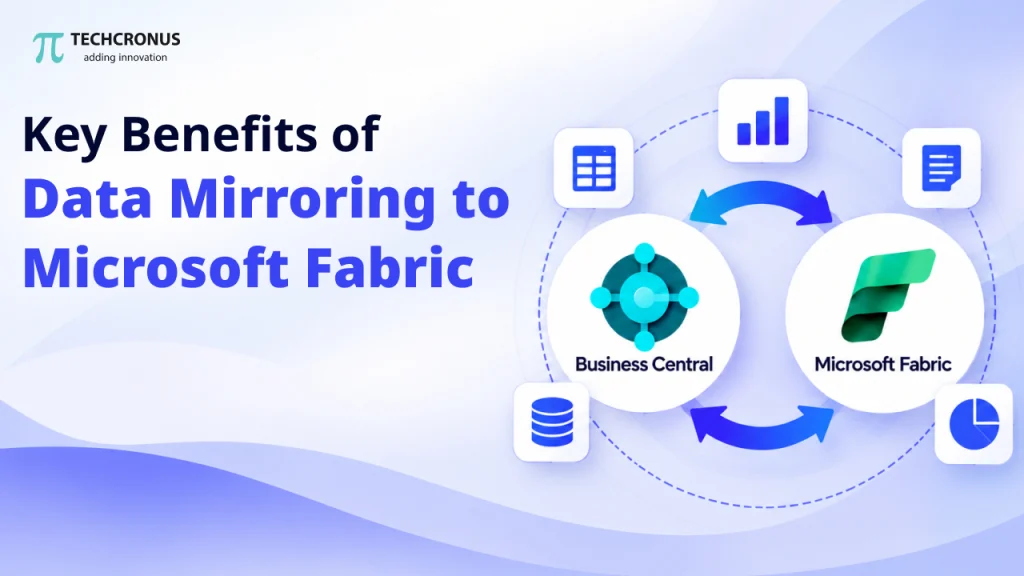
Key Benefits of Data Mirroring to Microsoft Fabric
1. Centralized Business Data
Organizations often manage information across multiple Business Central companies or operational areas. Mirroring selected tables into Fabric helps bring this information into a shared analytics environment.
This makes it easier to develop consolidated reports, compare company performance, and identify patterns across business units.
2. Improved Business Intelligence
Microsoft Fabric provides an environment for analyzing replicated ERP data with tools such as Power BI. Businesses can build dashboards that track revenue, expenses, inventory movement, sales performance, and other key performance indicators.
With data available in a centralized location, analysts can spend less time gathering information and more time interpreting results.
3. Incremental Data Synchronization
Data mirroring supports an initial snapshot followed by synchronization of subsequent changes. This helps keep the destination updated without requiring the entire dataset to be extracted from scratch during every synchronization run.
The actual synchronization frequency and latency depend on the configured settings and workload.
4. Reduced Dependence on Repeated API Extraction
Traditional analytics integrations may rely on recurring API requests to retrieve ERP data. Data mirroring uses a dedicated replication mechanism, allowing analytics workloads to consume synchronized data from Fabric rather than repeatedly querying Business Central APIs for the same purpose.
This can simplify data integration architecture and avoid consuming Business Central API limits for the mirroring process itself.
5. Support for Multiple Companies
Businesses operating several companies or legal entities can select the relevant companies for synchronization. This is useful for organizations that need consolidated financial reporting, cross-company comparisons, or a broader view of operational performance.
6. A Foundation for Scalable Analytics
As reporting requirements grow, organizations may need to combine ERP information with data from other business systems. Microsoft Fabric provides data engineering and analytics capabilities that can help businesses develop more comprehensive reporting solutions around their synchronized Business Central data.
How to Set Up Data Mirroring from Business Central to Microsoft Fabric
Before configuring the integration, confirm that your environment meets Microsoft’s current prerequisites. The following steps provide a high-level overview.
Step 1: Check the Requirements
Verify that you have a supported Business Central online environment, the required mirroring extension, appropriate administrator permissions, and access to an eligible Microsoft Fabric capacity.
Microsoft’s current prerelease documentation specifies Business Central 2026 release wave 2, version 29.0 or later, along with additional setup requirements. Check the official documentation for the latest availability and compatibility information.
Step 2: Register an Application in Microsoft Entra ID
For the documented preview setup, create a dedicated application registration in Microsoft Entra ID. Configure the required permissions and generate a client secret.
Keep the application credentials secure and grant only the access required for the integration.
Step 3: Create an Open Mirrored Database
Sign in to Microsoft Fabric and open the workspace where the replicated data will reside. Create a Mirrored Database item and select Open Mirroring as the data source.
Wait until Fabric finishes provisioning the database before continuing.
Step 4: Configure the Connection in Business Central
Open Business Central and navigate to Assisted Setup. Select Connect to Microsoft Fabric and enter the application credentials requested by the setup guide.
Choose the target Fabric workspace, grant the service principal the necessary workspace access, and select the open mirrored database.
Step 5: Configure Companies and Tables
Choose the companies whose data should be mirrored and select the relevant tables. Start with the data needed for your reporting objectives rather than synchronizing everything without a defined purpose.
Step 6: Start and Verify Synchronization
Configure the synchronization interval and complete the setup. Start synchronization when you are ready to replicate the selected data.
Finally, review the mirroring setup and monitoring information to verify that the connection is working and synchronization runs are completing successfully.
For detailed instructions, refer to Microsoft’s official setup documentation.
Common Business Use Cases
Financial Reporting and Consolidation
Finance teams can use mirrored general ledger and transaction data to build reports covering revenue, expenses, cash flow, and financial performance across multiple companies.
Sales Performance Analysis
Sales teams can analyze orders, sales transactions, customer activity, and revenue trends to understand which products, regions, or customer segments are performing well.
Inventory and Supply Chain Insights
Organizations can combine inventory and purchasing information to monitor stock movement, identify potential shortages, and evaluate purchasing patterns.
Management Dashboards
Leadership teams can use Power BI and other Fabric analytics experiences to build dashboards that bring important operational and financial indicators together in one place.
Advanced Data Engineering
Data teams can use mirrored ERP data as a source for broader analytical workflows, including data transformation, integration with other datasets, and the development of reusable reporting models. Working with top Microsoft Fabric consulting companies can help businesses build these data workflows, optimize analytics, and turn ERP data into actionable insights.
Best Practices for Business Central Data Mirroring
To get the most value from this integration, organizations should follow a few practical guidelines:
- Select tables strategically: Identify the tables required for specific business reports and analytics use cases.
- Apply appropriate access controls: Secure credentials, service principal permissions, Fabric workspaces, and the replicated data.
- Monitor synchronization regularly: Review synchronization status and investigate recurring errors before they affect reporting.
- Plan for multiple companies: Establish a clear approach to company-specific data and consolidated reporting.
- Validate reporting accuracy: Compare key totals and business measures with Business Central to confirm that analytical models interpret the data correctly.
- Review preview limitations: Check Microsoft’s latest documentation for changes to availability, requirements, supported functionality, and licensing.
Conclusion
Data mirroring to Microsoft Fabric from Business Central helps organizations make ERP data available for centralized analytics, reporting, and data engineering. By replicating selected company and table data into OneLake, businesses can develop more informed dashboards, improve cross-company visibility, and build a stronger foundation for data-driven decisions.
The best results come from combining a well-planned mirroring setup with appropriate security, synchronization monitoring, and clearly defined reporting goals.
Organizations looking to modernize their ERP analytics can evaluate this capability as part of their broader Microsoft Dynamics 365 and Microsoft Fabric strategy. Techcronus helps businesses leverage Microsoft technologies to streamline operations, improve data integration, and make better use of business intelligence. Contact Techcronus today to discuss your Microsoft Dynamics 365 Business Central and Microsoft Fabric requirements and explore the right data mirroring and analytics solution for your business.